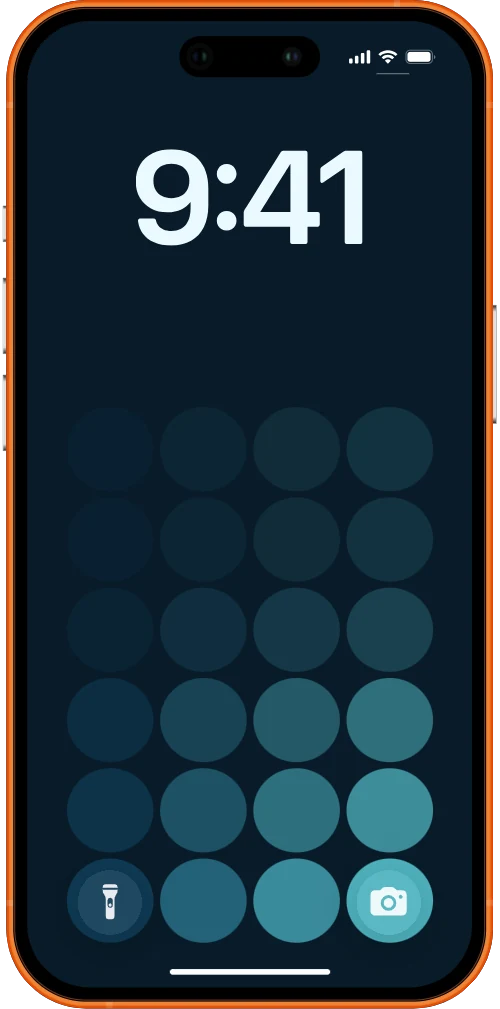
The maker who art-directs their phone
You already choose your wallpaper on purpose. This one earns its place for a whole year, and stays sharp the entire time.
A lock screen that keeps time
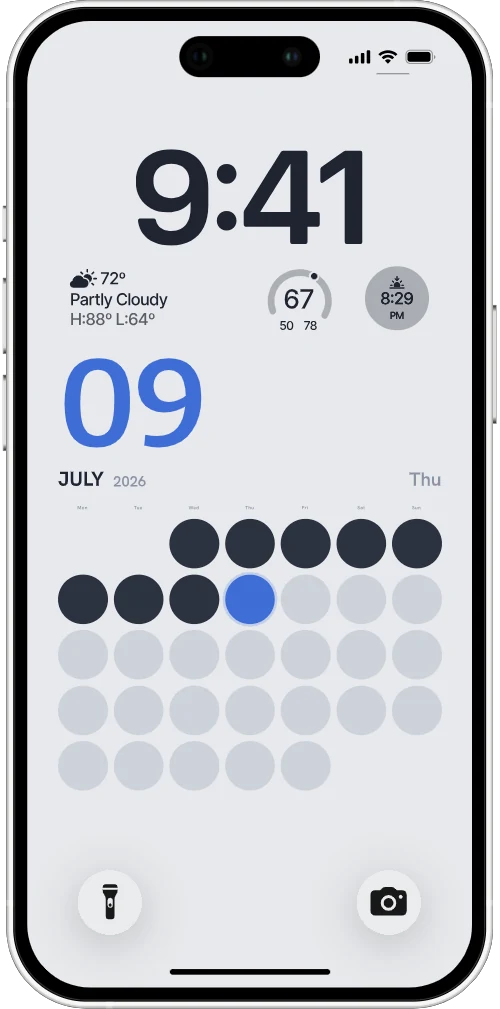
Lookscreen turns your iPhone lock screen into a year you can actually see — today's marker glowing, the days behind you dimmed, the months quietly filling in. Design it once; an iOS Shortcut keeps it true every morning.
No app. No account. One Shortcut.
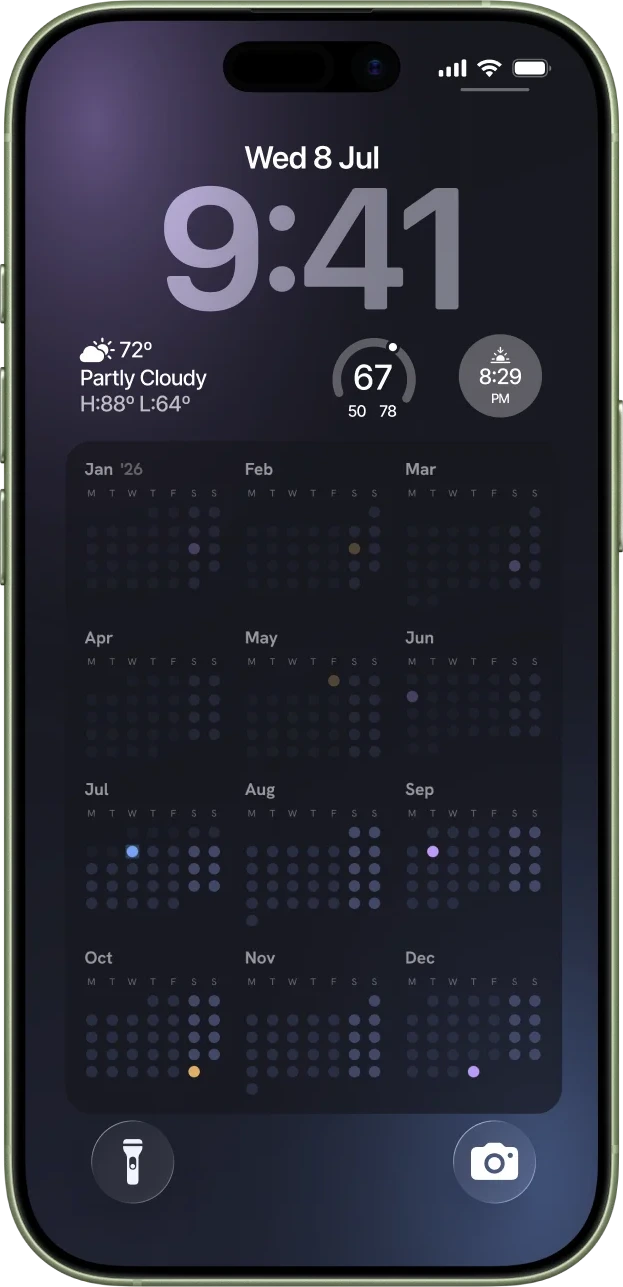
A year is short. Counted in weeks it looks shorter — and laid out as dots on a screen you glance at a hundred times a day, it finally looks like yours.
The idea behind Lookscreen
Lookscreen is a small, opinionated instrument — built for a particular kind of attention, not for everyone.
You already choose your wallpaper on purpose. This one earns its place for a whole year, and stays sharp the entire time.
Not today's to-do list — the shape of the months, and exactly where you stand inside them at a glance.
It lives on the lock screen you already look at. Nothing to open, nothing to check, nothing to dismiss.
No app to download. No account to create. Just a new way of seeing the year — delivered to your lock screen every morning.
Open the studio and dial in density, markers, and color. Ten seconds gets you to something you'd actually keep.
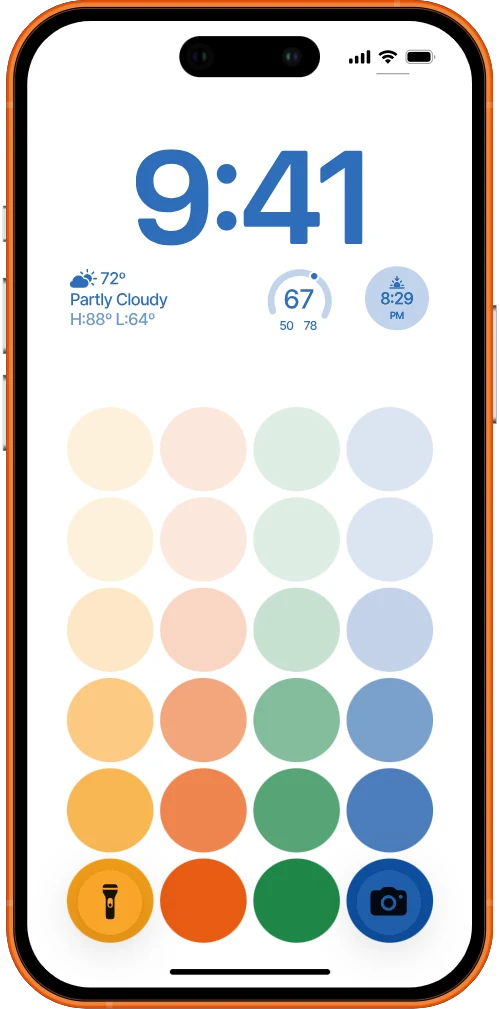
Choose a signal palette tuned to stay legible on the lock screen — bright or near-black, OLED-friendly either way.
Add one iOS Shortcut. Every morning it regenerates the wallpaper with today in place, then sets it. Forget it's there.
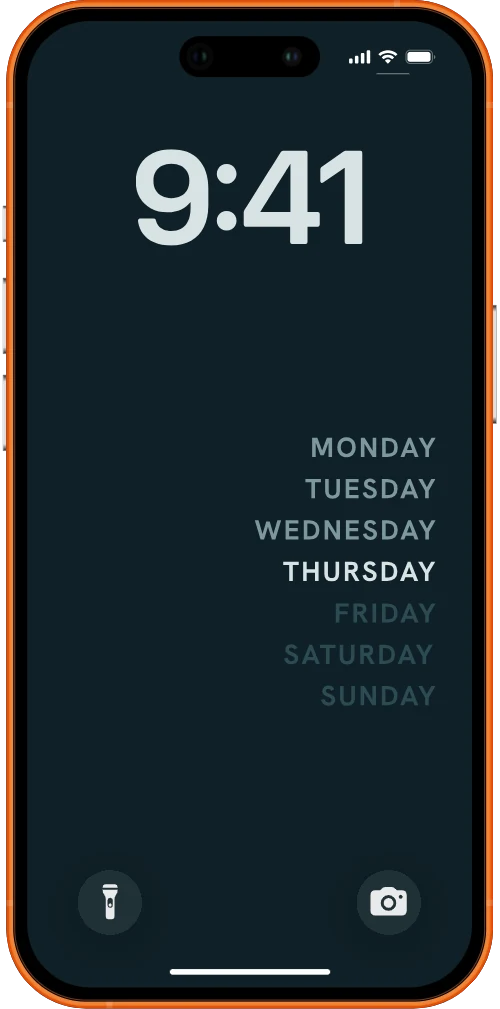
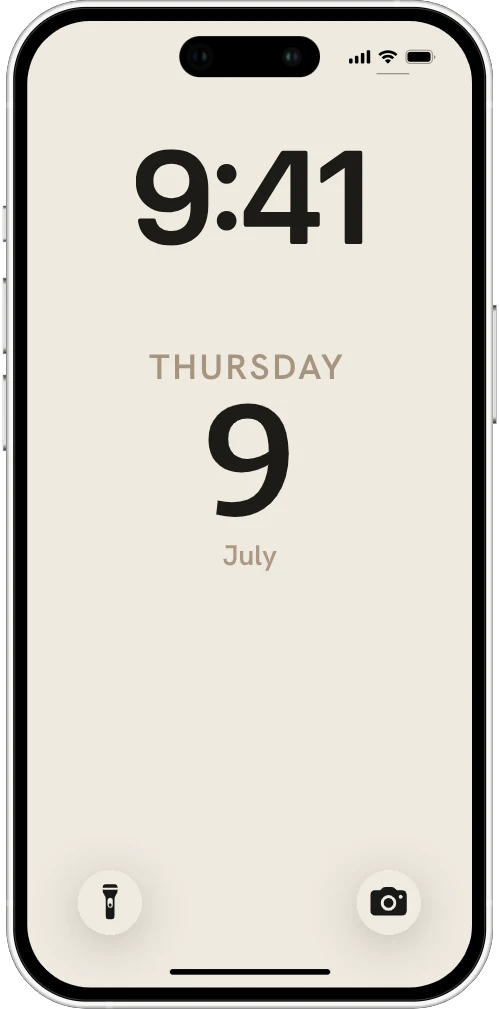
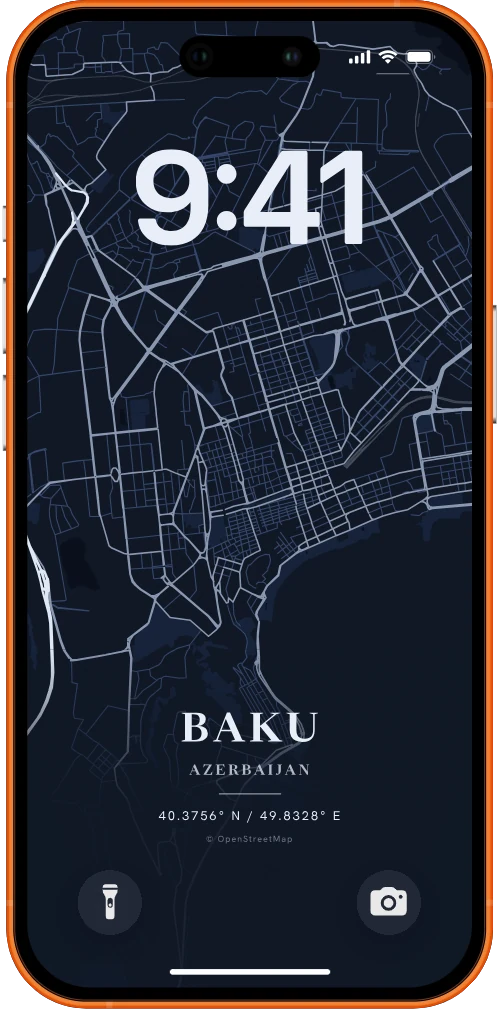
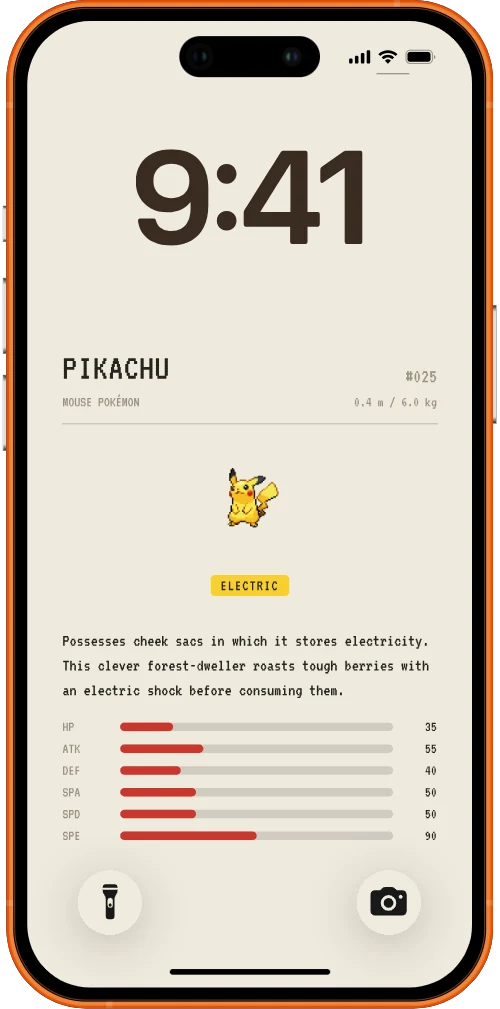
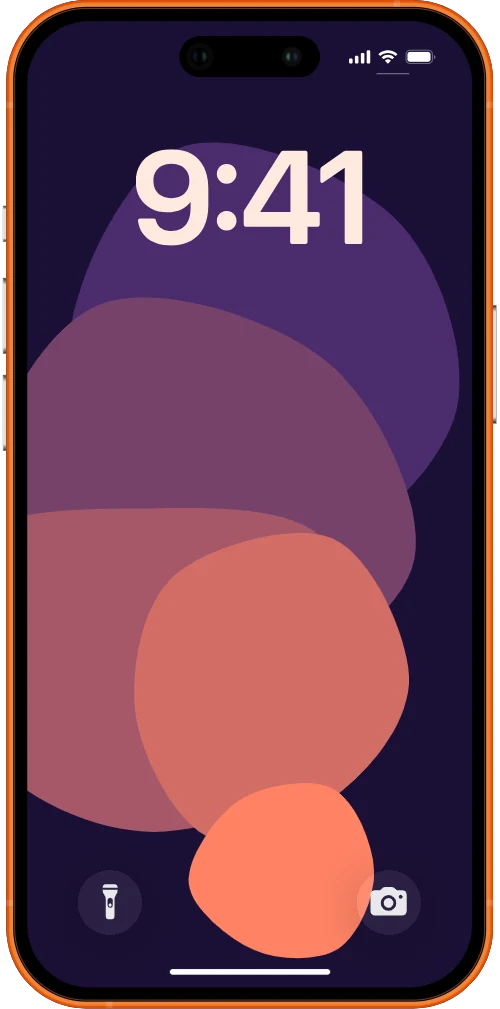
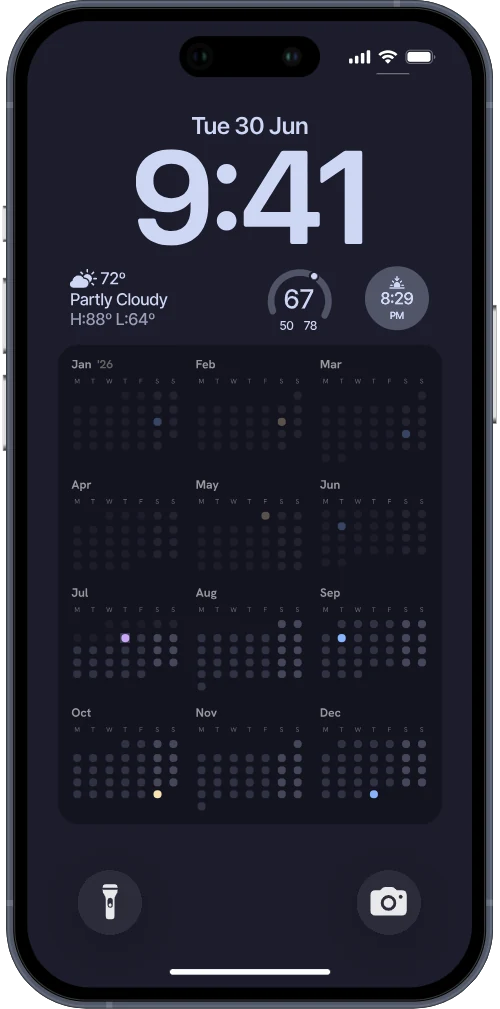
Follow the setup guideThe year in a grid, today writ large, the week on the wall — every card here is a real export from the studio, not a mockup. Shuffle through and open the one that reads like you.
Everything worth knowing before you wire one up.
You set up one iOS Shortcut that regenerates the wallpaper image each morning and sets it as your lock screen. Today's marker moves, yesterday dims, and the year fills in behind it — with nothing for you to open. The setup guide walks through it step by step.
No. Lookscreen is a web studio plus a single iOS Shortcut. There's nothing in the App Store to download and no account to create.
It's built for the iPhone lock screen and the iOS Shortcuts app. iPad and Android aren't supported today.
Calendar density and range, dots or numbers, weekend and past-day treatment, every marker color, the surface glass, and the clock tint. The preview is exactly what ships to your phone.
Lookscreen is a personal project, free to use. Open the studio and make one.